
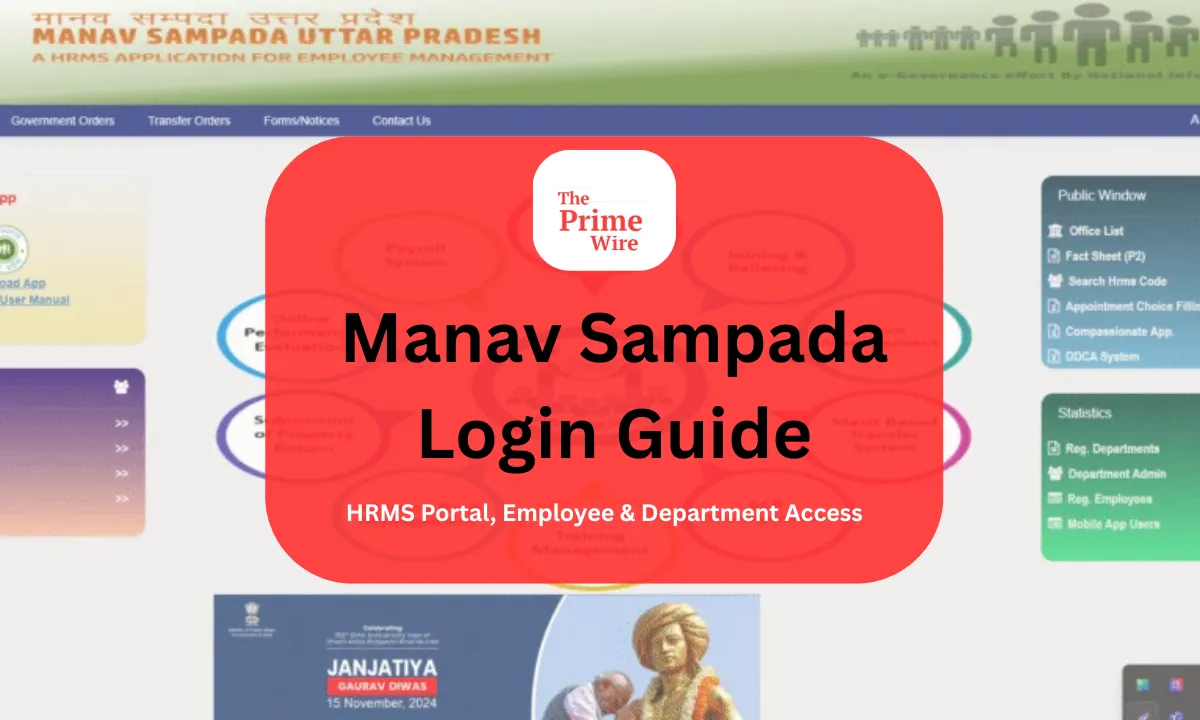
The Manav Sampada Login is for government employees in Uttar Pradesh. It is an online service where employees can access their service book, apply for leave, and check salary details. It also helps to manage other HR-related tasks digitally. This article provides a complete overview of Manav Sampada Login, fixes login errors, resets your password, or applies for leave.
What is Manav Sampada Login?
The Manav Sampada login is the entry point to the EHRMS; the full form of it is Electronic Human Resource Management System. The portal is used by the state government employees. This system was developed by the National Informatics Centre. It helps to digitalize employee records and reduce paperwork in government offices. Through Manav Sampada login, employees can access the following:
• They can view their e-service book.
• They can apply leave online.
• They can check their leave balance.
• They can download salary slips.
• They can also track transfer and promotion orders.
• They can also update their personal details with approval.
The aim of this portal is to support transparency. It helps in faster processing, which results in paperless governance.
How to Access Manav Sampada Login Portal
There are a few steps where users can carefully log in:
- Visit the official website on your respective browser. The link is https://ehrms.upesdc.gov.in. Click on EHRMS login website.
- Then select your department from the drop-down list.
- Enter your user ID or employee ID.
- Enter your password.
- Fill in the CAPTCHA code carefully.
- Click on login.
Important tip: Do not fill your department’s name incorrectly. This can result in login failure because of the wrong department selection. You can use Google Chrome or Mozilla Firefox for the best performance.
Common Manav Sampada Login Problems and Solutions
Incorrect department selection
If you have chosen the wrong department, the login will obviously not work. For that, you need to recheck before entering your credentials.
Wrong password
If you have forgotten your password, there are some steps you should follow. Now in bullet points:
• Click on forgot password below.
• Enter your user ID.
• Enter OTP via SMS or email.
• Then reset your password.
If it’s your first login, you must have a default password, which is provided by your department.
How to Apply for Leave After Manav Sampada Login
Now the next step is to apply for leave easily. Once you have successfully completed Manav Sampada login, you can do that easily. There are a few steps to apply for leave:
• Go to Leave Module or My Leave.
• Select the type of leave: Casual Leave, Earned Leave, Medical Leave, etc.
• Enter leave dates.
• Mention the reason for leave.
• Click Submit.
• Save the reference number.
You can also check leave status later under the Leave Status section. The status may show:
• Pending
• Approved
• Rejected
If your approval is delayed, you should contact your reporting officer politely.
Benefits of Manav Sampada Login for Employees
The benefits of Manav Sampada login for employees are many. First is, it has improved HR management in many ways.
• Digital service book access.
• Faster leave approval.
• Promotion tracking.
• Transparent transfer process.
• Reduced paperwork.
• SMS notification for any updates.
• Secure data storage.
Earlier, there was a system where service books were maintained manually, and they were often incomplete. Now, we can access anything instantly because it is stored digitally. This system has proved to save time for employees and departments because it supports paperless governance.
Conclusion
The Manav Sampada login is a digital tool for Uttar Pradesh government employees. It is powerful because it simplifies HR tasks like leave application, salary checking, or service book management. However, it has some problems as well. For example, login problems can sometimes occur. But most issues can be easily resolved by checking department selection, password accuracy, or registered mobile number details. Employees can use the portal smoothly when they understand how the system works. It can save both time and effort.
Frequently Asked Questions (FAQs)
Q. What is the link for the official website for Manav Sampada login?
The official website is https://ehrms.upsdc.gov.in.
Q. What should a user do when they forget their login password on Manav Sampada login?
They should click on Forgot Password, then enter their user ID, then verify through OTP, and from there they can reset their password.
Can we use Manav Sampada login on mobile?
Yes, we can access it through our mobile phones as well on a mobile browser, but it works best on desktop using Chrome or Firefox.
How can I check my leave balance on Manav Sampada?
After you log in, you can visit the Leave Module on the website and select Leave Balance to view details.
Whom should I contact if my login is not working?
You should contact your department’s HR office or IT support for further assistance.
Also, Read: Insightfulmagazine Com | Puzutask Com | Cloakmagazine com